Quicken Learn
Monthly net worth review: the 10-minute routine an advisor uses
If you use Quicken, you already have a powerful baseline: a clear view of your accounts and debts.
The habit that creates real clarity isn’t “perfect tracking.” It’s a simple monthly snapshot review—what changed, why it changed, and what to do next.
FinlyLife is built around the same idea: start with a household snapshot, run the math, then turn it into next steps (with “Data used” so you can verify everything).
A quick privacy note
No bank passwords. AI is opt-in. Your snapshot stays under your control.

Already exporting from Quicken? Start with the CSV export guide .
Ready for a clearer plan?
No bank passwords. AI opt-in. See exactly what data was used.
Why a monthly snapshot beats “staying on top of everything”
- You catch problems early (cash creep, revolving debt, missed contributions)
- You see progress you’d otherwise miss
- You build a consistent baseline for planning questions
What you need (2 minutes of setup, then it’s easy)
- Quicken Net Worth snapshot (CSV export)
- An “as-of” date (usually today)
- 10 minutes once a month
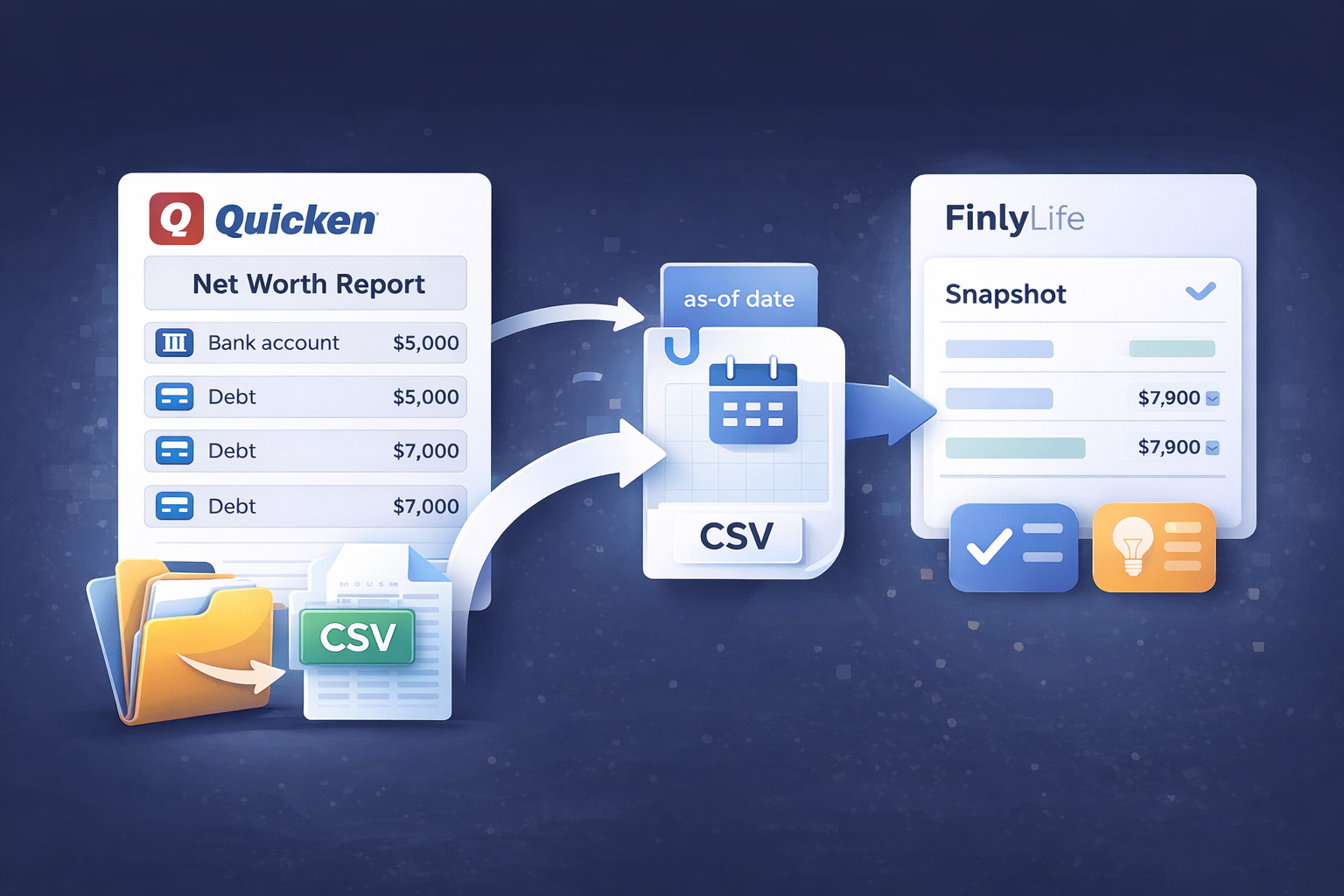
The 10-minute routine (set a timer)
Minute 0–2: Export your Quicken Net Worth snapshot
Use your preferred Net Worth report, set the as-of date, and export to CSV. If you want a step-by-step walkthrough, use the export guide .
Minute 2–4: Import into FinlyLife (or refresh your balances)
Upload the CSV, review the “Review & link accounts” screen, then click “Apply import changes.” Nothing changes until you explicitly approve it.
Minute 4–6: Scan the top-line snapshot
- Net worth
- Cash & savings
- Revolving debt
- Big loans (mortgage/HELOC)
Minute 6–8: Ask the three “advisor questions”
- What changed the most since last month—and is it expected?
- Is my cash buffer trending up or down?
- Did revolving debt rise for a one-time reason—or is it becoming a pattern?
Copy/paste prompts (practical + short)
- “Summarize what changed since my last snapshot and what I should focus on next.”
- “Is my revolving debt trending in the wrong direction? What’s a realistic next step?”
- “What information is missing for a reliable retirement check-in?”
Minute 8–10: Pick 1–3 actions for the next 30 days
Examples:
- Set a target cash buffer and automate transfers
- Pay down highest APR card first (once APRs/minimums are entered)
- Add monthly spending to improve confidence
- Add retirement target ages to unlock projections
How to interpret changes (without overthinking it)
- Markets move (normal)
- Cash swings reflect real life (watch the trend)
- Revolving debt is the early warning light (watch this closely)
- Loans move slowly (still worth tracking)
- Property values are optional and can add noise if you update them frequently
Common false alarms
- As-of date mismatch
- Hidden accounts
- One-time expenses
- Manual property value changes
The 3 inputs that unlock “advisor-style” answers
- Monthly spending (rough is fine)
- Retirement target ages/years
- Debt APRs + minimum payments
Ready to try it?
Explore the demo household to see how “Data used” works, then create a free account when you’re ready to upload your own snapshot.
FinlyLife provides practical financial planning guidance and is not a registered investment advisor. It does not provide investment, tax, or legal advice.
Ready for a clearer plan?
No bank passwords. AI opt-in. See exactly what data was used.
Related guides
View all →Refresh Quicken balances in FinlyLife (2-minute workflow)
Export a Quicken Net Worth CSV monthly, review matches, and refresh balances without overwriting holdings.
Read guide →
Reconcile Quicken net worth to statements (monthly process)
A monthly process to reconcile Quicken net worth against statements with minimal effort.
Read guide →
How to export a Quicken Net Worth report to CSV
Export a Quicken Net Worth report to CSV so you can upload a clean household snapshot and refresh balances.
Read guide →
Quicken net worth wrong? Fast checklist to find the cause
A fast checklist to identify why your Quicken net worth looks wrong and what to fix first.
Read guide →
Quicken net worth doesn’t match accounts: how to reconcile
Reconcile differences between Quicken net worth and account balances with a simple, repeatable process.
Read guide →
Quicken without bank logins: a privacy-first net worth workflow
A clean snapshot-based workflow to stay in control and still get useful next steps.
Read guide →